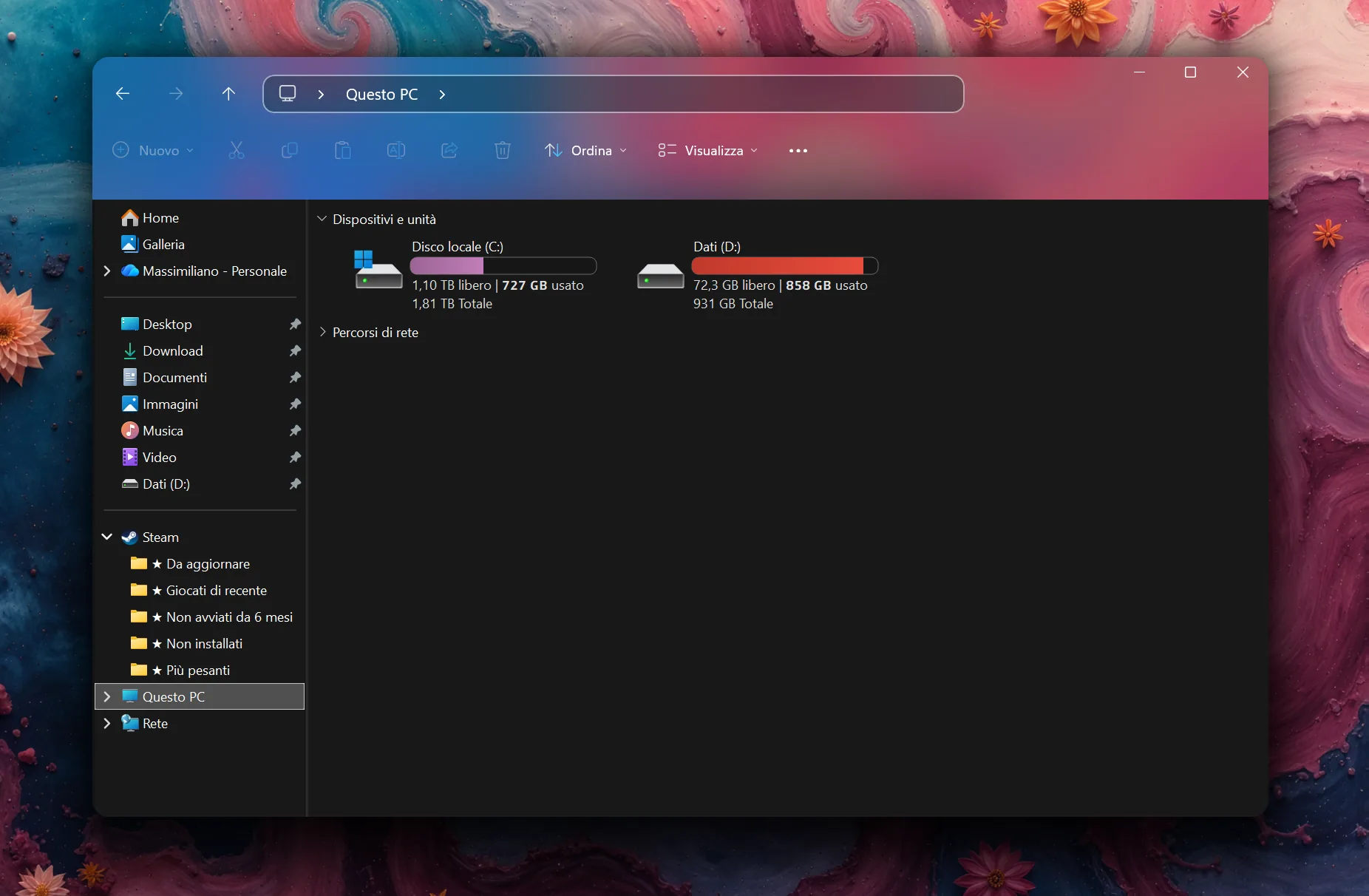
Mods in this setup
| Mod | Version | Settings | State |
|---|---|---|---|
| acrylic-color-glows | 0.5.0 | 38 | Enabled |
| custom-corner-radius | 1.3 | 4 | Enabled |
| monitor-rounded-edges | 1.0 | 7 | Enabled |
| parallax-wallpaper | 0.9.0 | 31 | Enabled |
| quick-explorer-switcher | 1.0 | 3 | Enabled |
| taskbar-thumbnail-stats | 1.2 | 12 | Enabled |
| window-border-customizer | 1.0.1 | 18 | Enabled |
| windows-11-file-explorer-styler | 1.7 | 40 | Enabled |
| native-shadow-tuner | 0.9.4 | 7 | Enabled |
Download setup
- Windows
- Windows 11 (build 26300)
- Windhawk
- 2.0.0-alpha.6
- Shared on
- 05 October 2026
- Mods
- 9
How to import
- Download the setup and Windhawk Share.
- Run Windhawk Share as administrator. It needs Windhawk 2.0 or later.
- On the Import tab, click Open package and choose the file.
- Review the plan, then click Apply.